A few months ago, Pinterest released a new feature allowing users to associate locations with their pins. These locations are then displayed on a map. What is nice is you can access it on the go with a smartphone. So, the travel agent in me thought it might be helpful for travelers who are less familiar with the parks to have a quick reference which shows the location, a photo relevant to the venue, and a link more information. So far I’ve created 3 boards, and as time allows will create more. They are: Guide to Epcot Dining, Guide to Disneyland dining, and Walt Disney World resorts.
——————– How the board looks from a computer ——————–
- Map on right side of screen
- Restaurant descriptions on left side of screen
- Hover over the map to see the corresponding description, or hover or the description to see its location on the map.
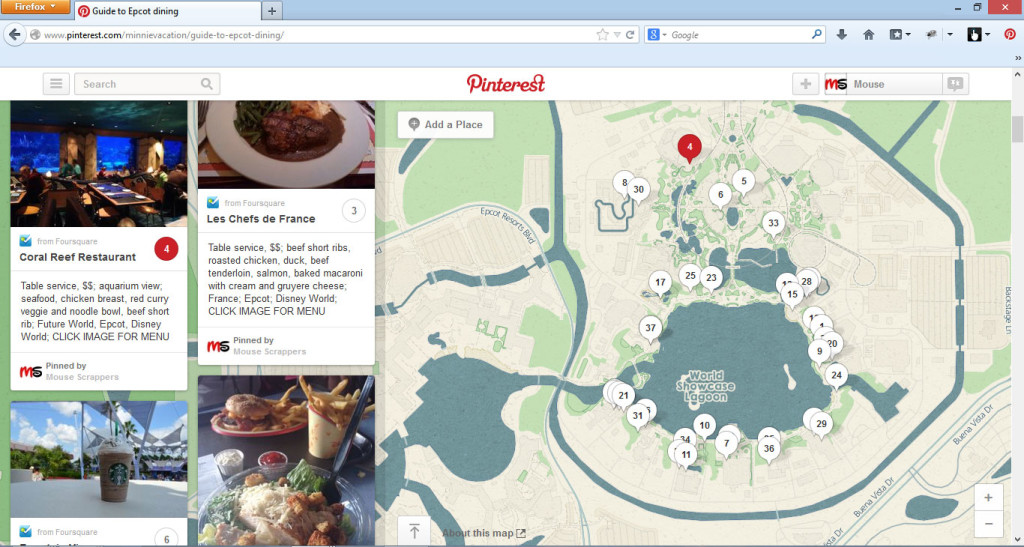
Example of what you see if you click on a pinned restaurant

Example of what you’d see if you click on the image

—————————— How the board looks from a smartphone ——————————
Switch to map view and browse locations on a map

Tap a location to zoom in and/or see brief summary (Example: Coral Reef)
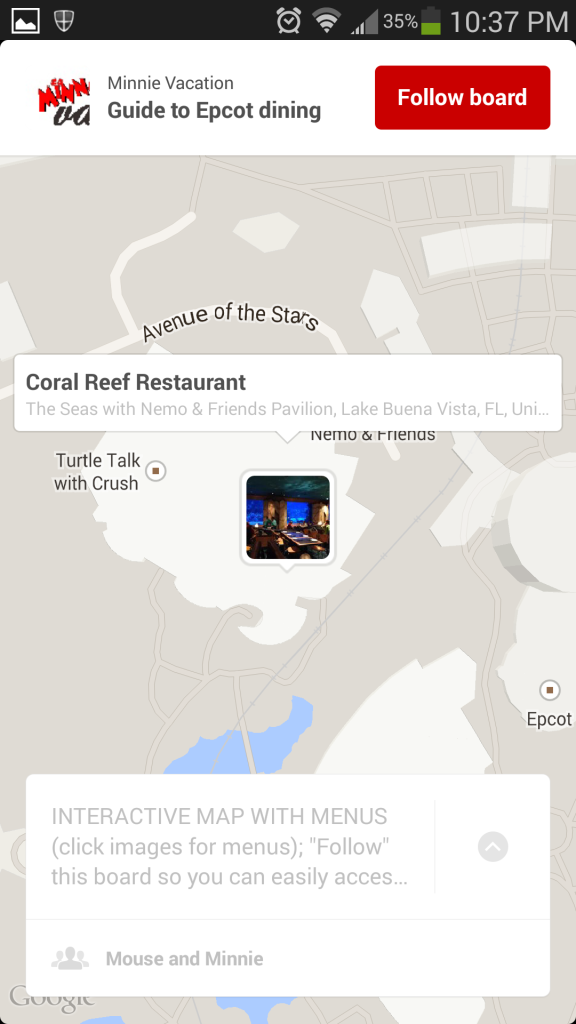
Here is what you see if you click the Coral Reef thumbnail again.
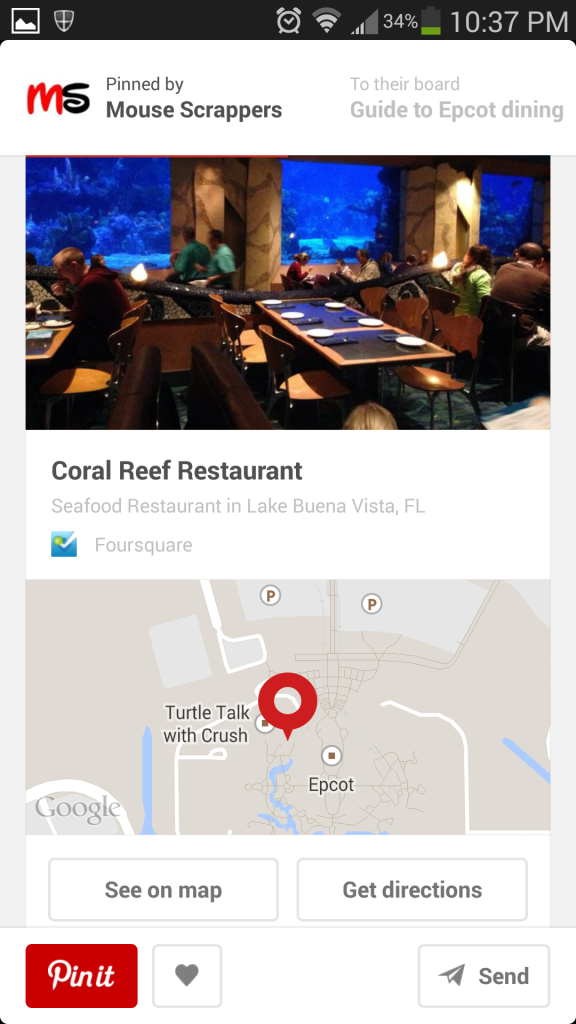
Here is what you see if you click on the Coral Reef image

Click here to see the EPCOT DINING GUIDE
Click here to see the DISNEYLAND DINING GUIDE
Click here to see the WDW Resorts on a map
(p.s. I am also the user “Minnie Vacation”)