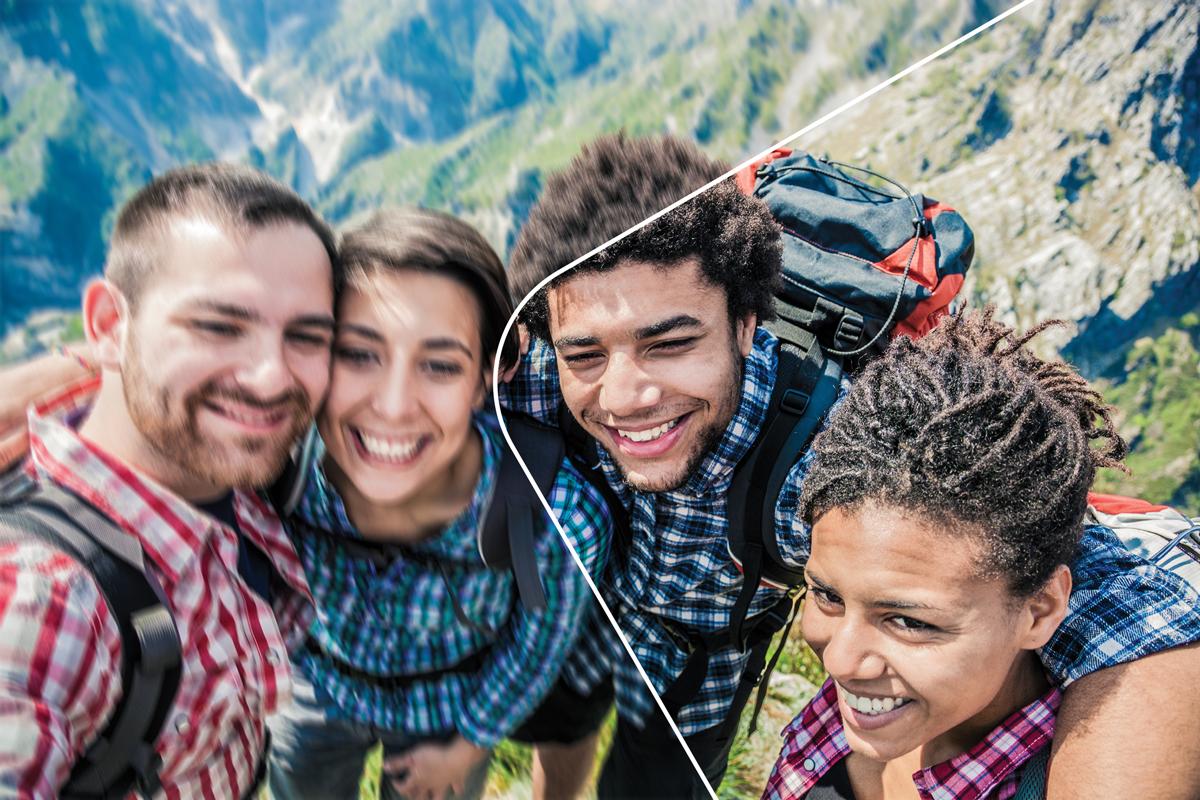
Adobe just released PhotoShop Elements 14, and this one really caught my attention! They have a new feature that will help to reduce the amount of blur in your photos. Years ago I saw a video in which Adobe gave a sneak peek of this feature – they were still figuring out the algorithm for it, but boy was it impressive! It is a feature they could easily keep in their full PhotoShop version, but I’m so glad they are making it available in the more affordable Elements version.
Here is a brief video that demonstrates this feature:
One other feature version 14 has that 13 doesn’t is haze reduction that is said to be especially useful for landscape photos. I wonder if it would help with my scanned photos from the 1990’s? If you use the organizer, this version is also said to have some improvements in facial recognition. I am way back on version 9… I’m thinking it is time to upgrade!
The above link contains an affiliate link – Amazon will provide me with a small amount of Amazon store credit for referring you to their site to make a purchase. This involves no additional cost to you. If you’ve found this post useful, please consider using the Amazon link above. Thank you! 🙂
Do you have this version? If so, let us know how you like in the comments below.
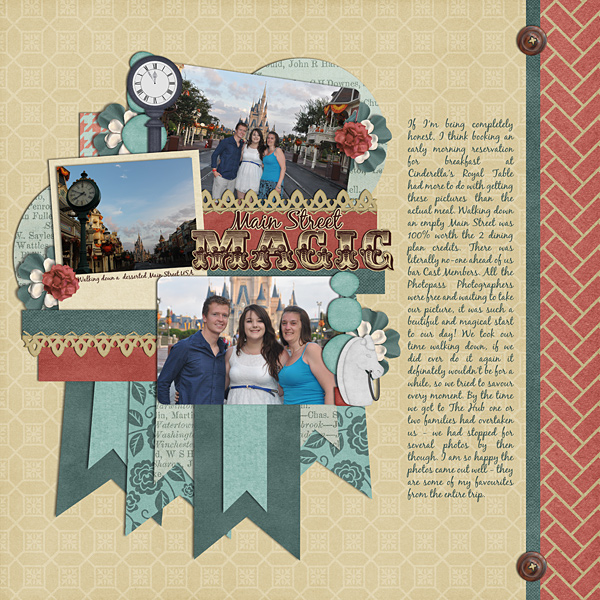
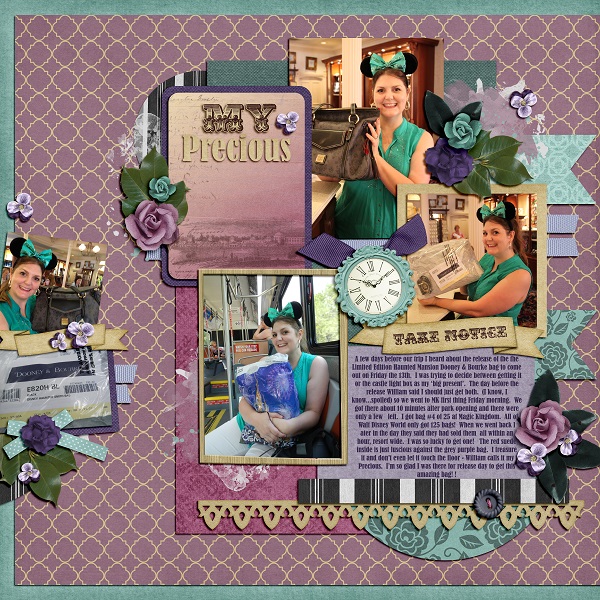
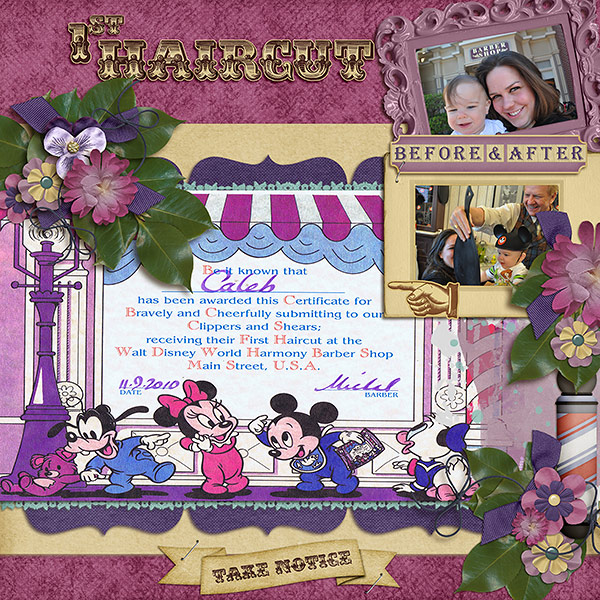
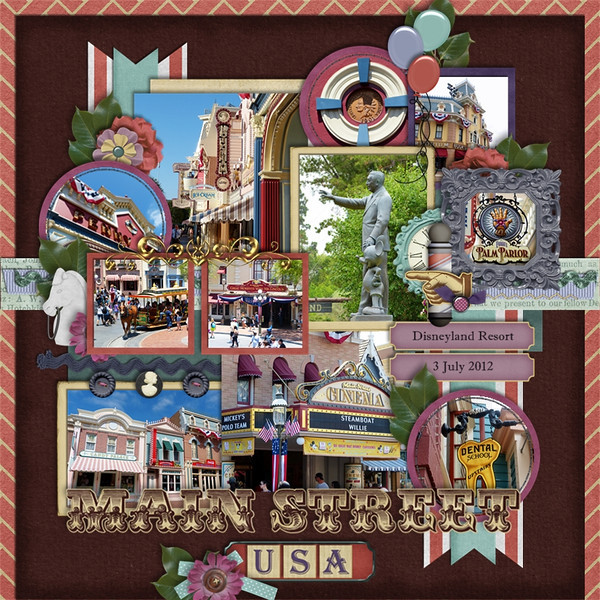
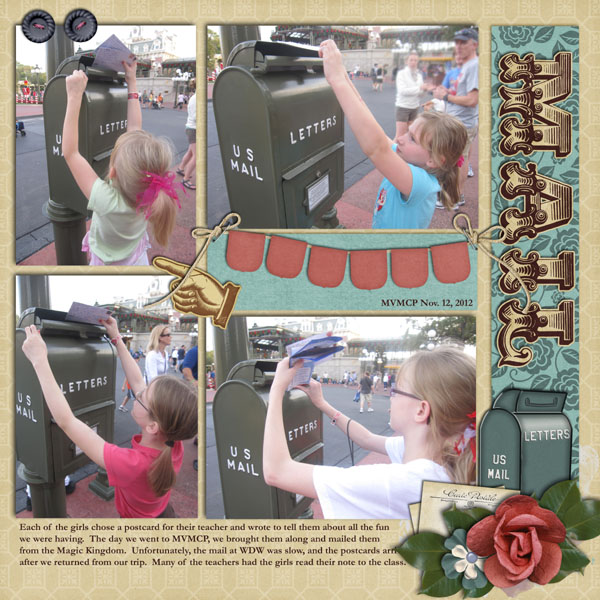
To finish out our month-long celebration of MouseScrappers 5th Anniversary, we put together a special Mega collab! Introducing “Main Street” that is not your typical ‘vintage’ kit… it’s loaded with other elements that you might see when you visit any of the magical kingdoms around the globe!
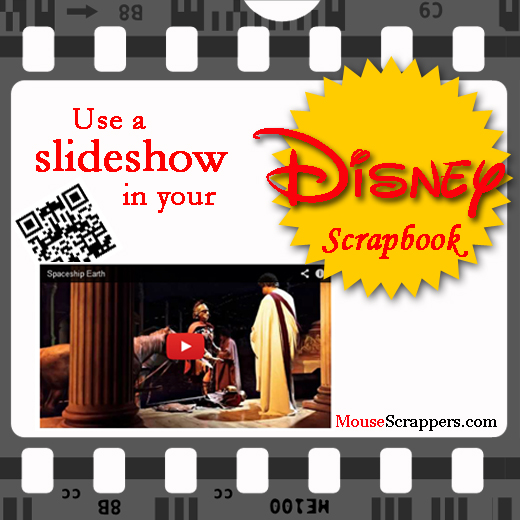
Earlier this year, I came across a post in our forums that pointed to an intriguing YouTube video. The video showed how scrapbookers could include a link to videos in their scrapbooks by making use of something called a “QR” (square) barcode. In a nutshell, a person uploads a video to the internet, creates a scanable QR code and puts that code in their scrapbook. Viewers of the scrapbook then scan the code on a mobile device to quickly and easily watch the video.
But what if I don’t have any video??? I feel so left out!
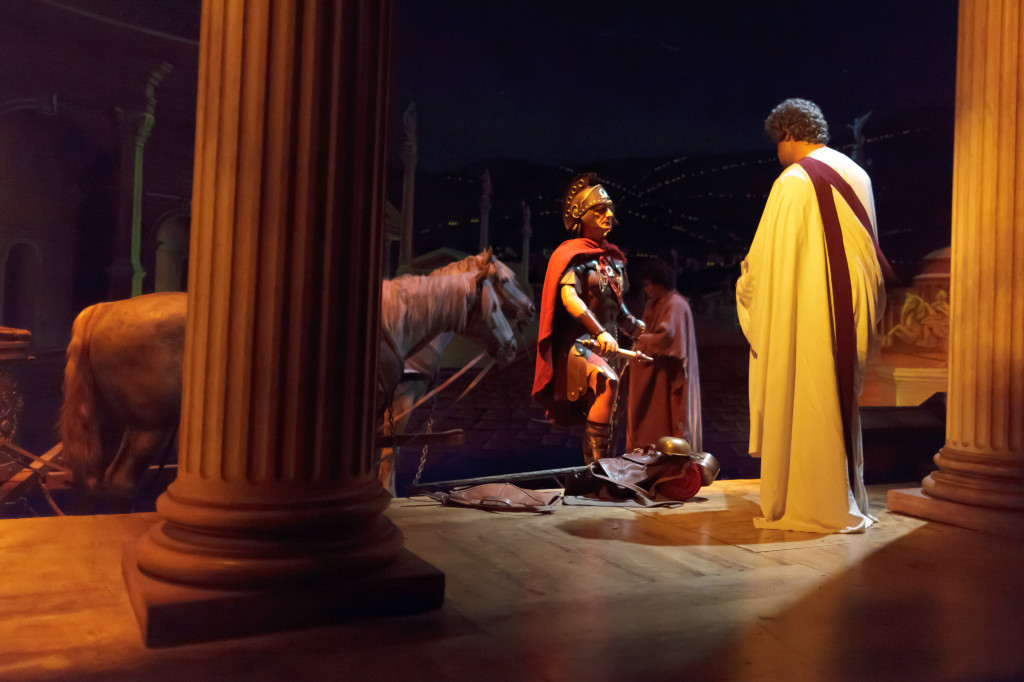
I think the concept of including video is very cool… it is a way to instantly bring your scrapbook to life by including elements that appeal to your sense of sound in addition to your sense of sight. But, I hardly have any video footage from my trips, so I feel a little at a disadvantage for not being able to bring that level of interaction to my scrapbooks. Then, I was hit with an idea… what if MS provided something stock that scrapbookers could use to supplement their layouts? So I came up with the idea to create slideshows set to thematic music. When thinking about the first place to start, it was easy… an iconic ‘must do’ attraction that hardly anyone has photos from: Spaceship Earth. When you look through our Spaceship Earth forum, you will notice that almost all of the 150+ layouts only have photos of the outside… but what about the inside? How will your spouse (who is a Disney fan by marriage) remember what is inside the attraction? How will you describe the ride to grandma? The reason so few people have photos inside is because it is extremely difficult to capture photos inside – the lighting is low and not only does your vehicle move, but so do the figures and displays. I’ve tried, but if my photos aren’t blurry (which most are) then they are grainy. While a steady hand is helpful, you really need a high-quality camera and lens to get a decent photo. One person who has incredible photos from inside is Mark Barbieri, so I asked him if I could use his photos to put together a slideshow for scrapbookers. He agreed and I’m happy to report that he was pleased with the final product. I found the perfect music to accompany the photos – a piece that is both futuristic and triumphant. Here is a 30-second excerpt from the video:
photo courtesy Mark Barbieri
So imagine your child sitting on the couch with grandma, showing her the scrapbook you made from your Disney vacation. When your child picks up your phone and scans the code in the book and shows grandma the video, won’t grandma be amazed? Oh so that’s what’s inside!
I created this with a program called ProShow Producer which is packed with features and yields a higher quality video than other programs I’ve tried. It also has a number of expansion packs with (addictingly) exciting effects and transitions that I couldn’t pass up. What is nice about this technology is it doesn’t matter whether you are a traditional or digi-scrapper, anyone can use it. I have put a copy of this video in the MS store. Buyers will receive a copy of the video so that they may upload it to their own personal accounts (this way you are not dependent on the lifespan of someone else’s account). Also included in this package is a little PSD graphic template I created to display your code.
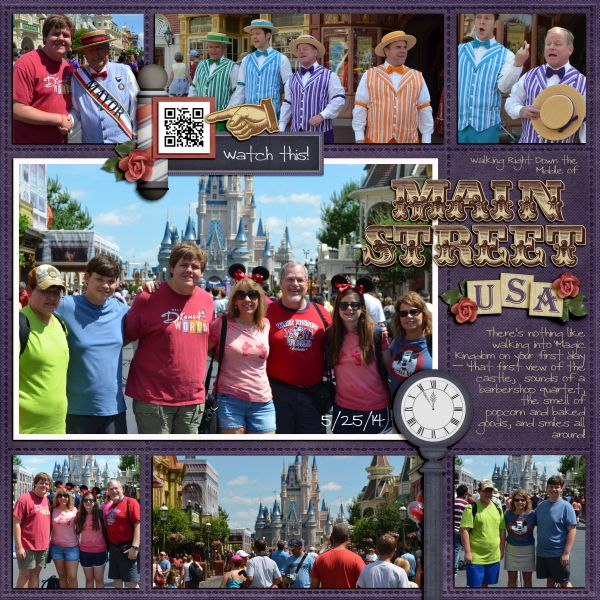
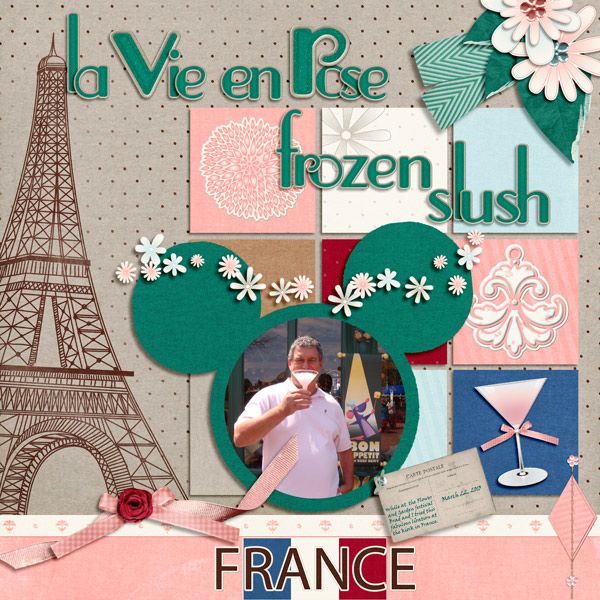
Here is an example of the QR code incorporated into a layout
I’ve already created several of these videos. One that I’m anxious to share with you is Expedition Everest – I included some appropriate sound effects. 🙂 I also have a special freebie that I’ll give away at a later date, so stay tuned. What I’d like to do for other attractions are to host ‘challenge’ type events. If you allow me to use one of your photos of an attraction, you can have a copy of the finished video for free. Sound fair? Once I work out the specifics I will post the details.
Note: all photos used in this video are personal and/or used with permission from the photographer(s). You may download the images for personal use – see store description for more details. Music was purchased from a royalty-free site.