Here is a map I’ve put together of free/cheap things to do around Walt Disney World. There are lots of things to do so I will be adding more periodically. Please ‘Follow’ the board to receive updates (or share with friends who are not familiar with WDW).
——————– How the board looks from a computer ——————–
Map on right side of screen
Activity descriptions on left side of screen
Hover over the map to see the corresponding description, or hover or the description to see its location on the map
Example of what you see if you click on a pinned item
—————————— How the board looks from a smartphone ——————————
Switch to map view and browse locations on a map
Here is what you see if you tap on the Lego Store thumbnail
Know of any affordable things to do around WDW? Leave a comment below and I’ll add it to the map!
A few months ago, Pinterest released a new feature allowing users to associate locations with their pins. These locations are then displayed on a map. What is nice is you can access it on the go with a smartphone. So, the travel agent in me thought it might be helpful for travelers who are less familiar with the parks to have a quick reference which shows the location, a photo relevant to the venue, and a link more information. So far I’ve created 3 boards, and as time allows will create more. They are: Guide to Epcot Dining, Guide to Disneyland dining, and Walt Disney World resorts.
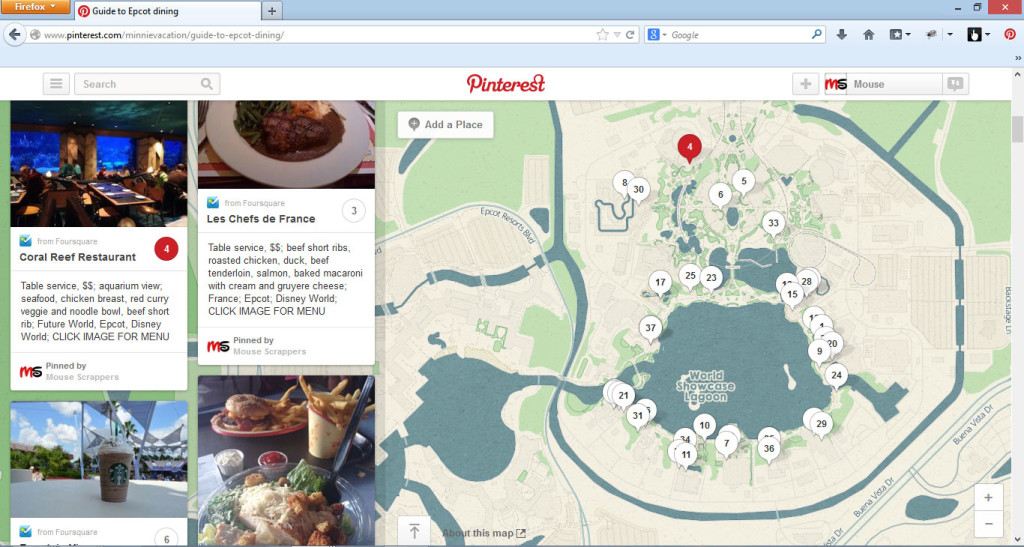
——————– How the board looks from a computer ——————–
Map on right side of screen
Restaurant descriptions on left side of screen
Hover over the map to see the corresponding description, or hover or the description to see its location on the map.
Example of what you see if you click on a pinned restaurant
Example of what you’d see if you click on the image
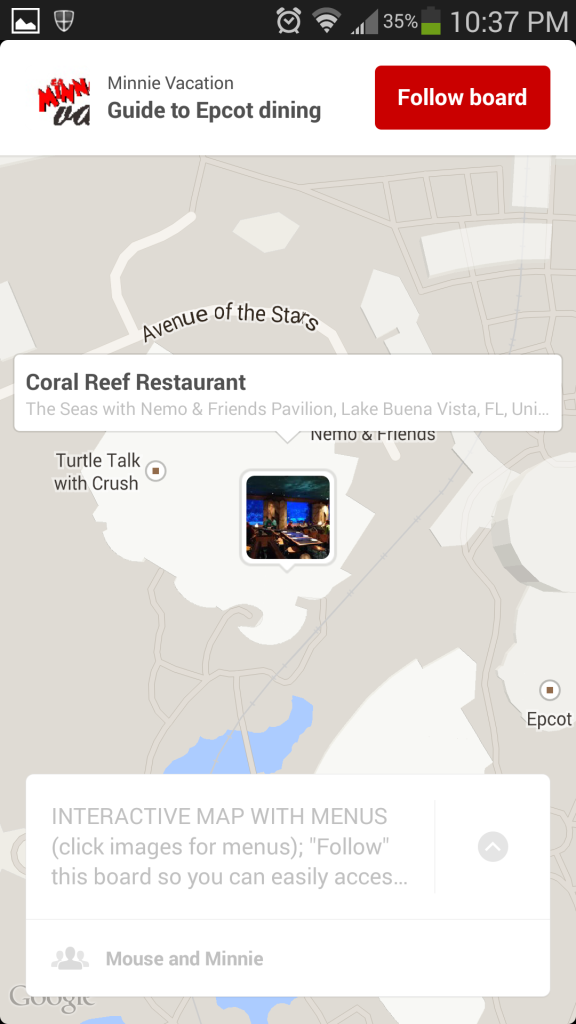
—————————— How the board looks from a smartphone ——————————
Switch to map view and browse locations on a map
Tap a location to zoom in and/or see brief summary (Example: Coral Reef)
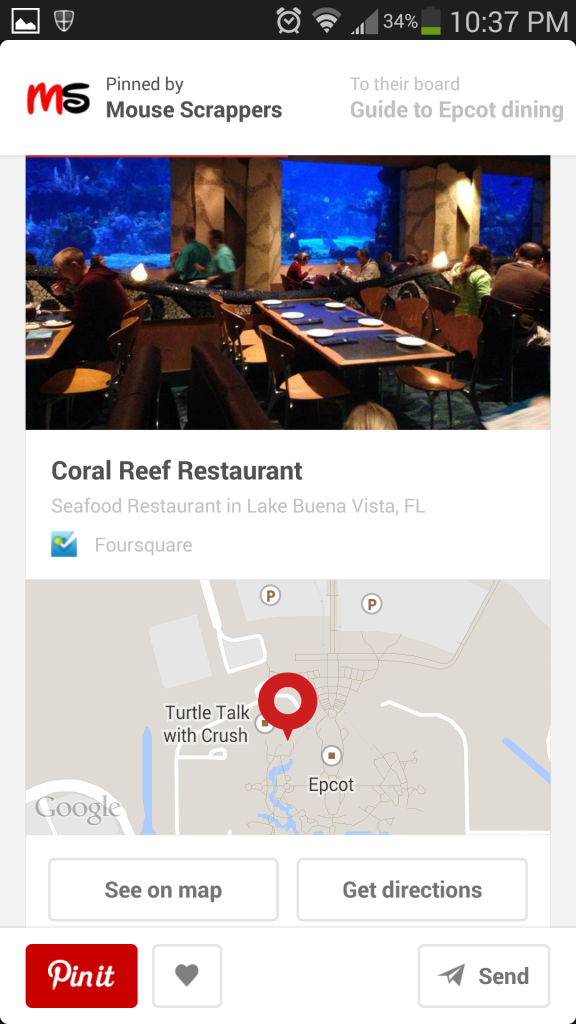
Here is what you see if you click the Coral Reef thumbnail again.
Here is what you see if you click on the Coral Reef image
Earlier this year, I put together a slideshow of the Main Street Electrical parade. I always buy royalty-free music for the slideshows I put in the shop, but because ‘Baroque Hoedown’ is such a vital part of this parade, I decided to go ahead and use the music and share the link publicly in case anyone wanted to put a QR code in their scrapbook. I spent quite a bit of time splicing together several soundtracks I found online, and matched my own photos to the music. I think it came out pretty well, but I was really hoping to make ‘a million diamonds SHINE’ (i.e. make the jewels in the dwarfs mine train ‘sparkle’). Well, I couldn’t figure out a good way so I put the project away for six months. Then an idea hit me – I tried implementing it and I was pleased with the results. I liked the twinkling effect so much I went back and added it to most of the photos in the show. Unfortunately the ‘enhanced’ version is not viewable on a mobile device, likely because of the copyrighted music, so it won’t work for your scrapbooks. You can, however, link to the version I uploaded back in April, if you wish.
Here is the ‘twinkling’ version. I hope you like it!!
If you wish to create a QR code to my original version, note that YouTube may take away the ability to view it on a mobile device (at the moment it may be ‘grandfathered’ in to an old policy, or maybe they just haven’t found it yet). So just keep it in mind that it may not always be available to view. You may want to add the QR code to a paper tag and slip it inside your book. Here is the link to the original version: http://youtu.be/eYI_PRTTJt4
Earlier this year, I came across a post in our forums that pointed to an intriguing YouTube video. The video showed how scrapbookers could include a link to videos in their scrapbooks by making use of something called a “QR” (square) barcode. In a nutshell, a person uploads a video to the internet, creates a scanable QR code and puts that code in their scrapbook. Viewers of the scrapbook then scan the code on a mobile device to quickly and easily watch the video.
But what if I don’t have any video??? I feel so left out!
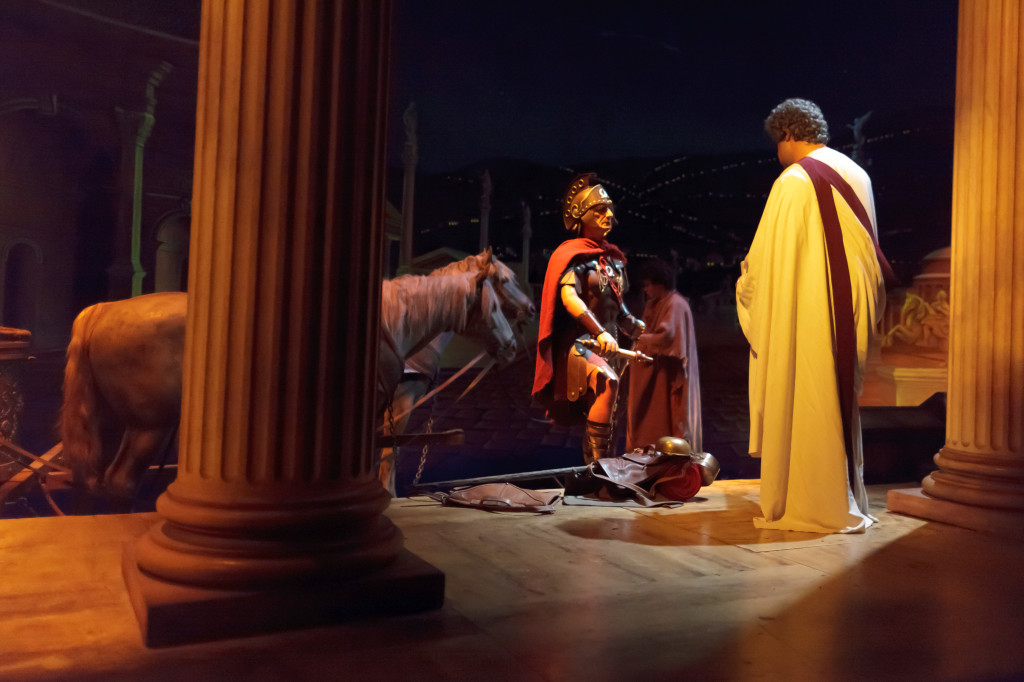
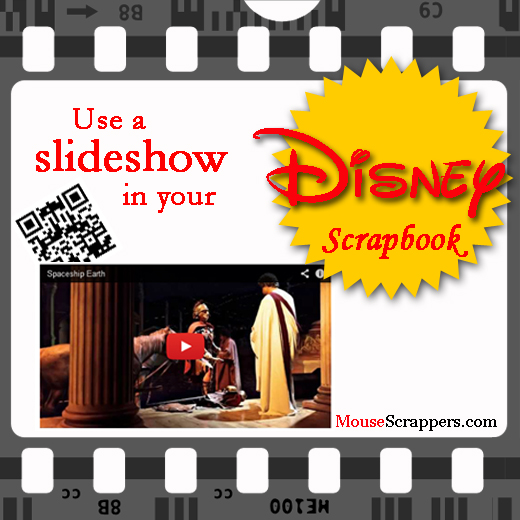
I think the concept of including video is very cool… it is a way to instantly bring your scrapbook to life by including elements that appeal to your sense of sound in addition to your sense of sight. But, I hardly have any video footage from my trips, so I feel a little at a disadvantage for not being able to bring that level of interaction to my scrapbooks. Then, I was hit with an idea… what if MS provided something stock that scrapbookers could use to supplement their layouts? So I came up with the idea to create slideshows set to thematic music. When thinking about the first place to start, it was easy… an iconic ‘must do’ attraction that hardly anyone has photos from: Spaceship Earth. When you look through our Spaceship Earth forum, you will notice that almost all of the 150+ layouts only have photos of the outside… but what about the inside? How will your spouse (who is a Disney fan by marriage) remember what is inside the attraction? How will you describe the ride to grandma? The reason so few people have photos inside is because it is extremely difficult to capture photos inside – the lighting is low and not only does your vehicle move, but so do the figures and displays. I’ve tried, but if my photos aren’t blurry (which most are) then they are grainy. While a steady hand is helpful, you really need a high-quality camera and lens to get a decent photo. One person who has incredible photos from inside is Mark Barbieri, so I asked him if I could use his photos to put together a slideshow for scrapbookers. He agreed and I’m happy to report that he was pleased with the final product. I found the perfect music to accompany the photos – a piece that is both futuristic and triumphant. Here is a 30-second excerpt from the video:
photo courtesy Mark Barbieri
So imagine your child sitting on the couch with grandma, showing her the scrapbook you made from your Disney vacation. When your child picks up your phone and scans the code in the book and shows grandma the video, won’t grandma be amazed? Oh so that’s what’s inside!
I created this with a program called ProShow Producer which is packed with features and yields a higher quality video than other programs I’ve tried. It also has a number of expansion packs with (addictingly) exciting effects and transitions that I couldn’t pass up. What is nice about this technology is it doesn’t matter whether you are a traditional or digi-scrapper, anyone can use it. I have put a copy of this video in the MS store. Buyers will receive a copy of the video so that they may upload it to their own personal accounts (this way you are not dependent on the lifespan of someone else’s account). Also included in this package is a little PSD graphic template I created to display your code.
Here is an example of the QR code incorporated into a layout
I’ve already created several of these videos. One that I’m anxious to share with you is Expedition Everest – I included some appropriate sound effects. 🙂 I also have a special freebie that I’ll give away at a later date, so stay tuned. What I’d like to do for other attractions are to host ‘challenge’ type events. If you allow me to use one of your photos of an attraction, you can have a copy of the finished video for free. Sound fair? Once I work out the specifics I will post the details.
Note: all photos used in this video are personal and/or used with permission from the photographer(s). You may download the images for personal use – see store description for more details. Music was purchased from a royalty-free site.
Give Kids the World (GKTW) is literally the place where Dreams come true. Each year it fulfills the wishes of thousands of children by providing accommodations, meals, attraction tickets, and a whole lot of fun at a 70-acre whimsical resort. On Saturday, November 2nd 2013, Give Kids the World will be holding their annual 5K “Gingerbread Run.” This professionally-timed race winds through the Village, past snoring trees, magic castles and the world’s largest CANDYLAND game. It is a fun way to raise money for the Village, and help fulfill Wishes for more children!
I reeeeeally wish I could be there in person so that I could participate – it sounds like a lot of fun, and since I recently completed a 5K to benefit breast cancer patients, I’m not too intimidated by the distance. I unfortunately won’t be able to make the trip over from California to attend this event in person, but I did find a way for MouseScrappers to help… . Yep, I signed us up! MouseScrappers is an official ‘Virtual Participant’!
Of course I’m not going to ask you to donate without arranging for you to get a goodie in return, so I asked Wendy from Neverland Scraps if she could put together a 4-pack of her fabulous Pixie Plates. She not only put together one pack, she put together two!
Set 1 is perfect for pocket scrapping (e.g. Project Life / Project Mouse)
Layout by Melinda
Layout by Ana
Layout by Jenn
Layout by Susan
Layout by Lisa
Set 2 is perfect for layers of papers and element clustering
Layout by Andrea
Layout by Tammy
Layout by Jennifer
Layout by Jennifer
Layout by Dawn
Layout by Lisa
Here is how it works
Click the “Donate Now!” button below to go to our participant page on firstgiving.com
On the firstgiving donation page, enter whatever amount* you are comfortable with; If you don’t wish to show your real name you can put your MS username in the “Display Name” field, or you can check the box that says “I want to hide my name on the fundraising page”
Check your email for a receipt showing your donation amount
Forward your email receipt to donations@MouseScrappers.com. In your email, indicate which set(s) you would like to receive: Set 1 (Pixie Plates #270-273) or Set 2 (Pixie Plates #274-277). Donations of $10 or more will be sent both sets.
Once I receive your receipt, I will email you a link to download the template pack(s)